Video CV and Video Interview
~20 min · Beginner
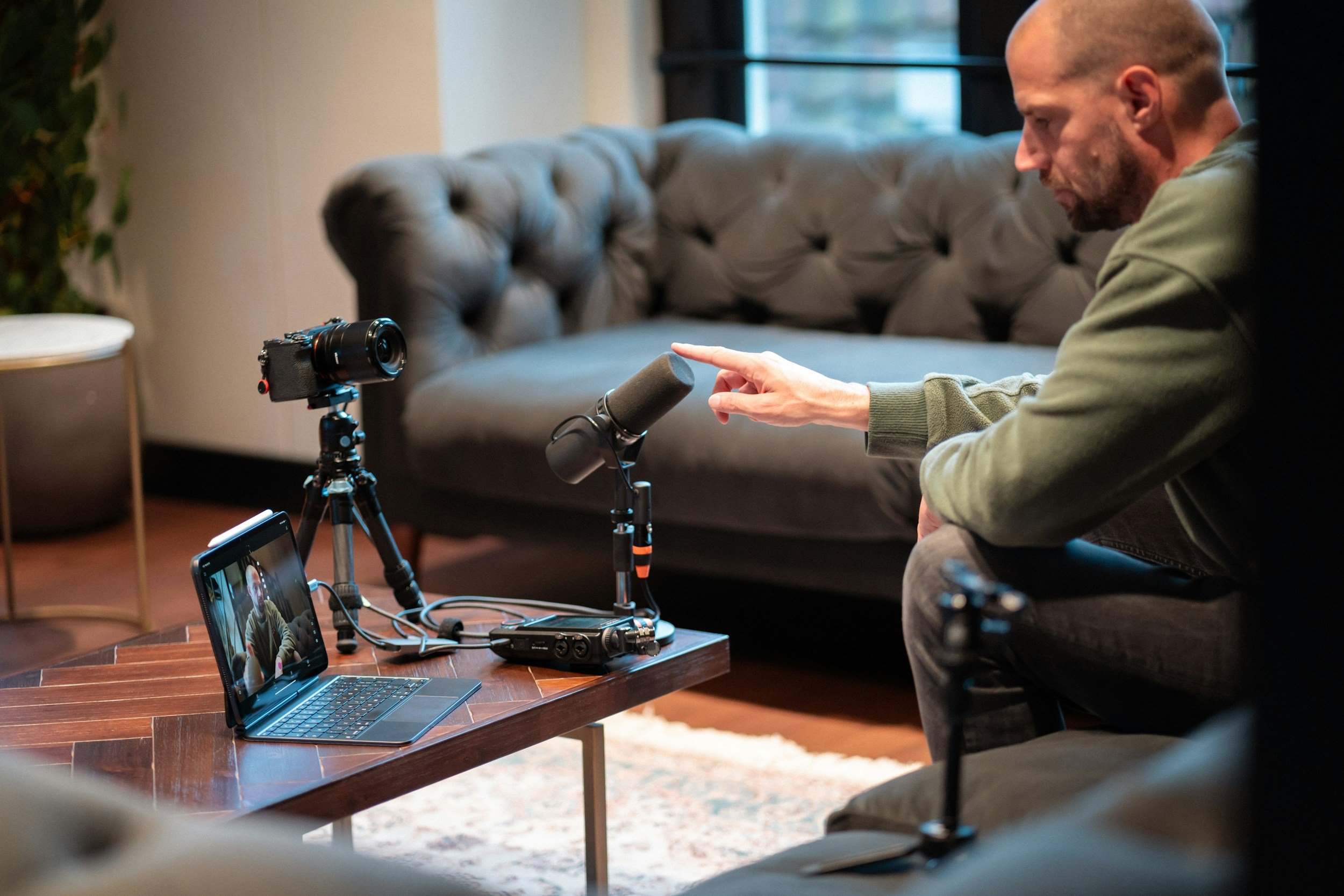
Video CV and Video Interviews
In this lesson you will learn about how to present your skillset clearly and confidently in front of a camera. From how to record a video CV, handling live and pre-recorded video interviews, as well as best practices.
What is a video CV?
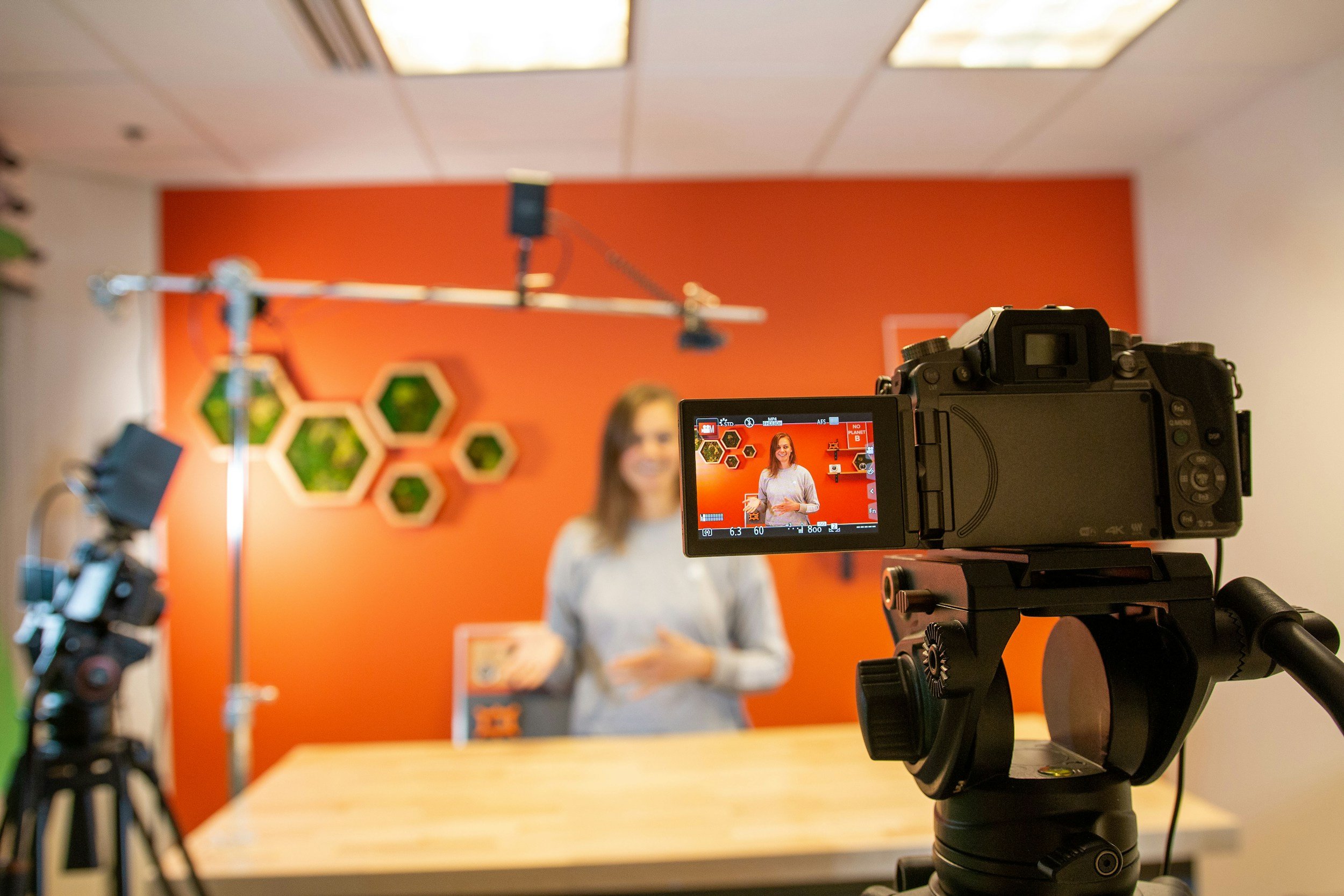
A short video, usually 60-90 seconds, where you introduce yourself, highlight your strongest experience and explain what you are looking for. It is a pitch on camera, so if you aren’t familiar with how to do that, check out our Interview lesson first.
A video CV supplements your written CV, it does not replace it - consider it as an opportunity to sell your skillset, similar to how you would at a job interview. Many employers use application systems that cannot read video, so you would almost always be required to send a PDF CV as well.
Where video CVs work well:
Creative and communication-focused roles (marketing, media, sales, customer service)
Startups and entrepreneurial settings
Language fluency requirement
LinkedIn profiles and networking, for example with a QR code on a business card
Highly desired internship and job positions - adding an extra step helps recruiters narrow the pool of applicants
Applications that specifically ask for one
When to skip it:
Technical or data-heavy roles, where a portfolio or code speaks louder
Conservative industries and employers who clearly prefer traditional applications
If you are really uncomfortable on camera. A stiff video can do more harm than no video at all

What is a video interview?
Any interview held over a video call instead of in person. Treat it as seriously as an in-person meeting. The interviewer or panel of recruiters see you, your space and how you handle the technology. Most commonly done as a real-time conversation on Teams, Zoom or Google Meet.
In some cases (mainly internships, study applications and multi-stage recruitment processes), it can be a pre-recorded interview, where you see questions on screen, get a short time to prepare (about 30 seconds) and record your answer within a time limit (about 1-3 minutes). These can sometimes be done via AI, however it is not that common in Finland at the moment.
In some cases, there may be a phone interview with audio only, done as a short screening before remote or in-person rounds.
Always ask the employer which format and platform to expect, what they expect you to prepare, and how long it will take.
Setting up for success
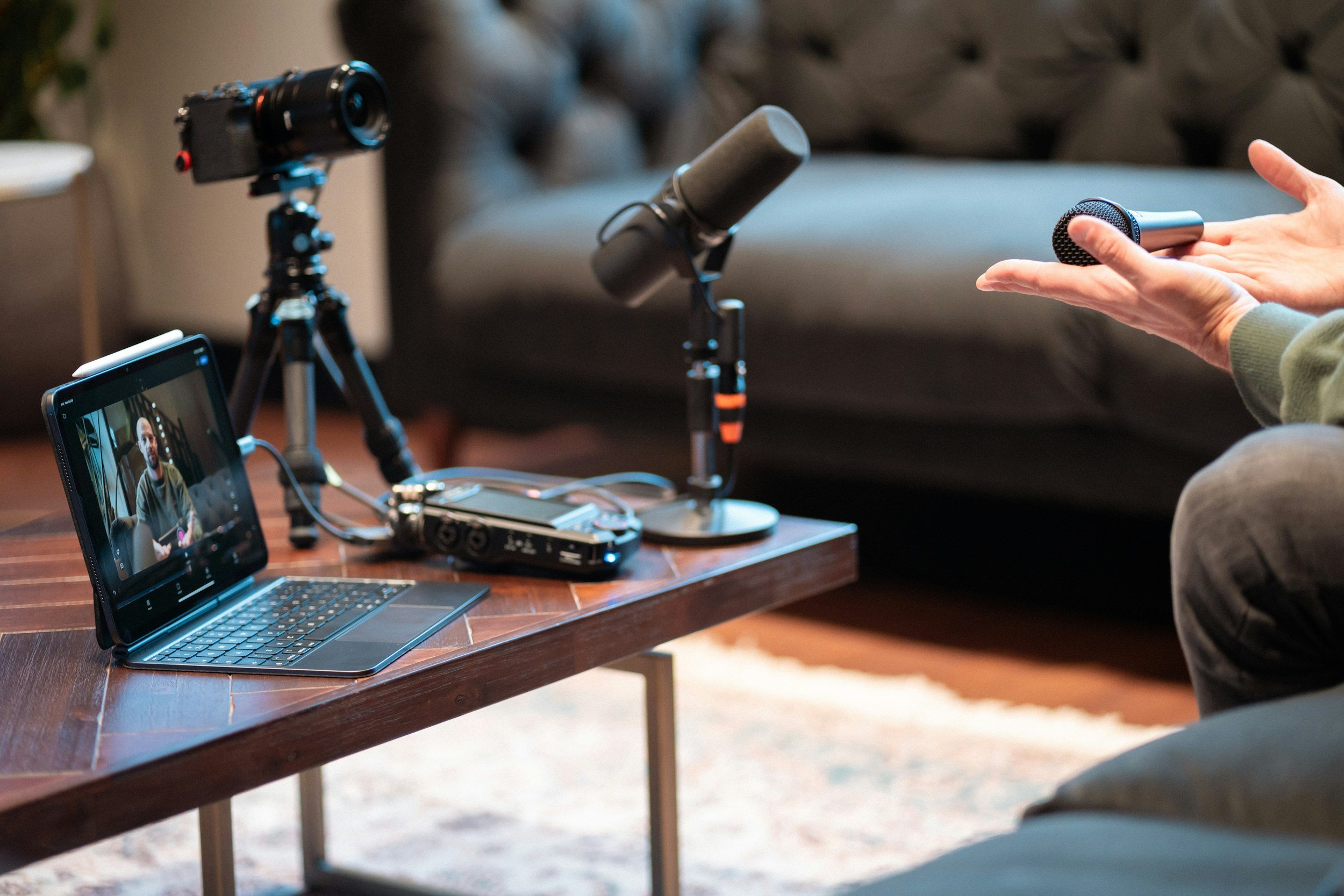
Whether you’re about to record a Video CV or have a Video Interview, there are some technological, environmental and personal factors to consider.
You don’t have to strive for perfection, but try to take into consideration as much as you can, for the best possible first impression. Always educate yourself on the software and hardware you’re about to use, so that you’re comfortable and able to troubleshoot on the go.
Environment
Ambient Noise - Find a quiet space, where you can be undisturbed for the duration of the recording or meeting. Ensure there is minimum to no echo in the room, as that may impact the microphone (some software allows for echo-cancelling or noise-cancelling, but it’s always better to address it in your environment where possible). Close windows to block out traffic, ensure there is no running dishwasher, washing machine, TV or any other device making background noise. Mute your mobile devices. If you’re unable to achieve that in your home, you can alternatively ask to use a friend’s place, or book a private room at the library or at a nearby school.
Background - A plain wall or aesthetically arranged space is best. If you want to use a virtual background, you can use a light blur or something neutral. The main focus of the camera is you, so try to remove any distractions from your surrounding areas. Remember, that what is visible will contribute to the opinion of you.
Lighting - Find a spot facing a window, and plan according to the light availability (if possible). Alternatively, you can use bright white background on your screen, as well as additional lamps to help brighten the picture. Make sure the intensity doesn’t cause you to squint, or that it reflects too much from your glasses (if you’re wearing any). Setting up lights towards a white ceiling can help light bounce off softly, or if it’s not enough - you can put a white t-shirt or tape a white A4 over the bulb to create a softbox effect.
Additional distractions can come from a creaky chair, loud mechanical keyboard, iced or carbonated beverage, heavy glass being put down on the table, so make sure you’ve considered your surroundings and adjusted accordingly.
Camera
No matter the camera of choice, always remember to clean the lens and ensure a steady surface to prevent shakiness.
Place the camera at an eye-level (stack books, use tripods, etc.) and to always look at the camera when talking to it - not towards your face in preview window. If you’re reading from notes - place them in the center, right below the camera.
You should have your head and shoulders in frame and a little space above your head. Try to avoid unflattering angles such as having the camera too low.
Smartphone - Readily available, picture quality will be decent for most recent models, built-in video editing options and versatile placement possibilities.
Laptop (built-in camera) - Readily available, if you have a laptop, along with editing software and processing power. Most budget or standard laptop cameras are stuck at 720p, while higher end options offer 1080p or 4k*. Lower quality camera can make the image darker and impact clarity. This is particularly something to consider, if your skin tone is darker. You can compensate for the brightness with additional light, but the details might still be lacking.
Webcam - You can use it with your laptop or PC, to get better quality image than with a built-in camera. Even a lower end 1080p camera can provide better quality image, than a built-in laptop one + the added flexibility of placement.
Dedicated mirrorless or DSLR camera - best quality available*, however the file size will be large.
*4k and dedicated camera footage may impact submission size limitations for Video CV, or the bandwidth during a Video Interview in the case of lower internet speed, so bigger isn’t always better.
Sound
Most built-in microphones will be fine, however we strongly recommend using earbuds for better quality, and to avoid sound echo from using speakers. An even better option would be to use a bluetooth clip-on microphone, especially if your environment is not sufficiently quiet, or you have to setup your phone a bit too far.
Subject
The subject is you, so ensure you are presentable. Basic grooming, make-up and styling recommendations apply here, the same was as an in-person interview.
Business casual is a safe dress code in Finland, and make sure you’re dressed fully, not only the top part. Choose neutral colours and patterns in clothing and accessories, that don’t produce the moiré effect. Avoid big brand logos, as they’re generally considered tacky.
When choosing jewellery or other visible accessories, ensure there is nothing flashing/reflecting light back at the camera, and that there is no noise coming from stacked bracelets or earrings, as they can be a distraction. If using a smartwatch, make sure it’s on Do not Disturb.
You can be sitting or standing, with a good posture. Don’t sit on the floor, such as some vloggers might do infront of their couch or bed - it’s too casual and unprofessional.
if you need to hold something in your hands, hold a pen, but avoid clicking sounds with it.
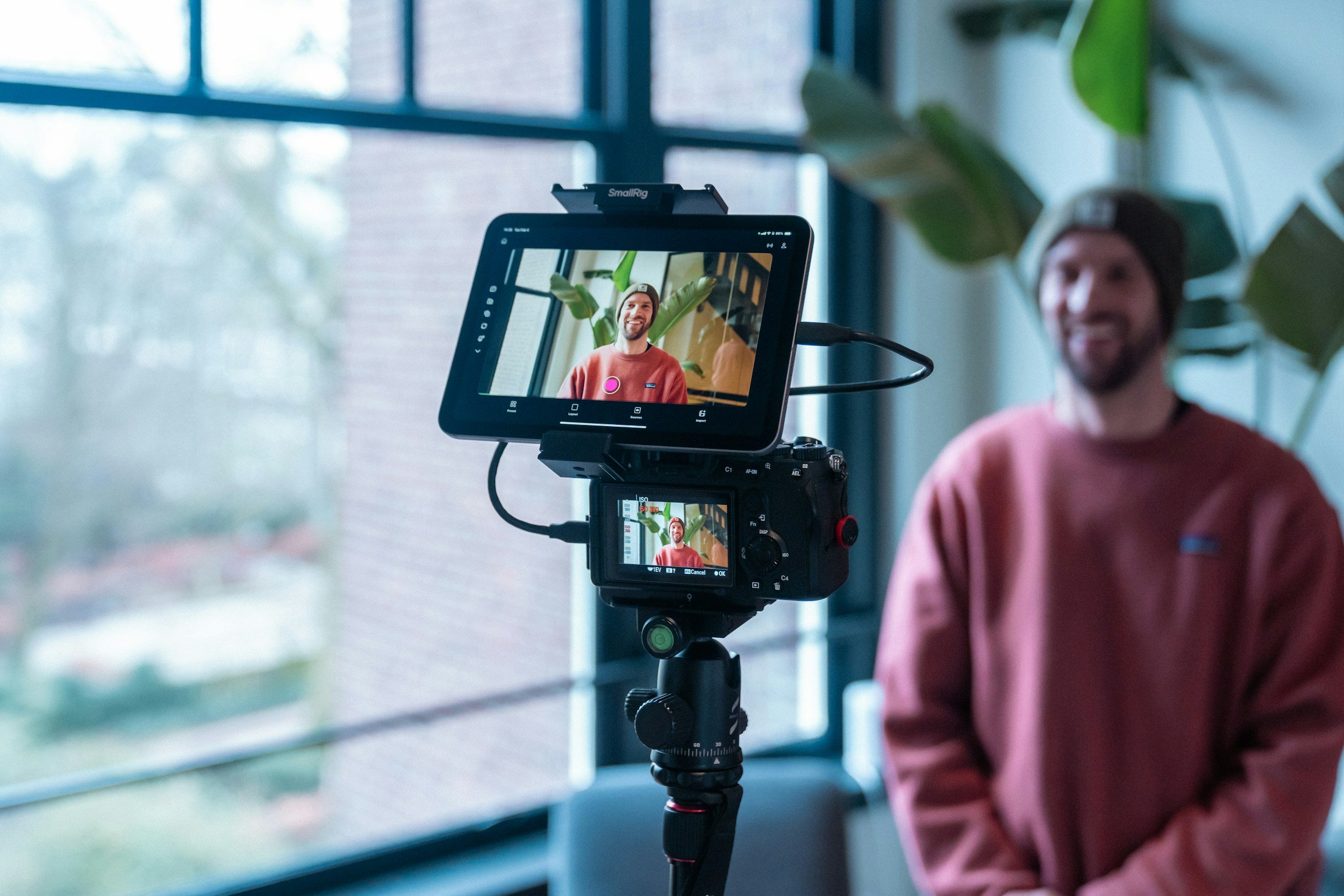
Recording and Processing
Recording, editing and sharing your Video CV
Recording:
Practice out loud and do multiple takes, until you’re confident in what you’re saying
Film in landscape mode (horizontal)
If you’re more advanced in video editing, you can film in short sections (introduction, experience, why them, closing) for better production value
Editing:
Free tools: CapCut, iMovie, DaVinci Resolve or the editor built into Windows
Trim mistakes and long pauses
Add your name at the start and your contact details at the end
Add captions. They help non-native speakers and anyone watching without sound
Skip flashy transitions and loud music
Export as 1080p MP4, ideally under 50 MB (or according to the instructions provided about file size limits), and watch it on both a phone and a computer to make sure it looks good
Sharing:
LinkedIn - Upload it as a post or profile video
YouTube - Set it to "unlisted" and share the link
Applications - Add the link to your CV, cover letter or email: "A short video introduction is available here: [link]"
Networking - Add a QR code to your business card and mention it in conversation
Specifics for a Video Interview
The script is the same as in-person interviews, so make sure you go over the Interview section to learn how to prepare a 2-3 minute pitch about yourself, and go over the FAQ at the bottom of the page for common questions, that may come up during an interview.
The technicalities of a Video Interview have to do with the devices and connectivity during the call. In a time, where digital literacy is a must-have, showing that you can have a smooth experience online is essential, so the three key factors are: hardware, software and emergency action:
Charge your device and keep it plugged in. Ensure adequate internet connection
Download, update and test the platform multiple times if unfamiliar. Know how to mute, switch your camera on and off, and share your screen for a smooth experience
Save the contact person's phone number and have it at the ready in case something fails - it may be possible to continue via phone call or rescheduling the interview. Technical issues can happen to everyone.
After the interview, send a short thank-you email within 24 hours. Mention something specific from the conversation, say you are still interested, and keep it to three or four sentences. If the employer gave a decision date, wait until it has passed before following up. If not, a polite check-in after about a week is fine.
Becoming comfortable on camera has no shortcuts, same as being good at pitching. Record yourself, watch it back, and ask someone you trust for feedback. The more you do it, the easier it becomes.
The Video CV script
Your video CV follows a structure similar to the elevator pitch, however it may need to be even more condensed to about 60-90 seconds.
1. Introduction (10-15 seconds)
2. Who you are, your profession and what kind of role you are looking for.
3. Key experience (30-45 seconds)
4. Two or three achievements with numbers or clear results. Choose the ones most relevant to the role.
5. Why you and why them (20-30 seconds)
6. Show you have done your research. Connect your skills to their needs, and mention any local ties.
7. Call to action (10-15 seconds)
8. How to reach you, for example your email and LinkedIn profile.
Example:
Hello! I'm Anna, a digital marketing professional with five years of experience, and I'm looking for marketing coordinator roles in Satakunta.
In my current job I increased social media engagement by 40% and led a team of three in a campaign that brought in 50,000 leads in two months.
I'm drawn to companies working on sustainable business, and I want to use my experience to help local companies reach customers who care about it.
I hope to hear from you soon! You can reach me via email or on LinkedIn. Thank you!"